AI PDF Readers With Page Citations: What to Look For
An AI PDF reader can tell you what a 70-page report says in seconds. The harder question is whether you can find the sentence, chart or footnote behind its answer. If you’re reviewing a research paper or pulling numbers into a client brief, a citation that opens the right passage can save more time than a fast summary.
A good AI PDF reader with page citations identifies the file and page behind each important claim. The best fit for your workflow will also make it easy to inspect the passage, understand how the page is numbered and spot when the document provides too little evidence. A polished answer with several links can still misread a table or leave out a condition.
You can test those differences with a few documents you already know. Start with a searchable PDF, add something that resembles your messiest real file, and compare the answers against the original. You’ll learn more from five well-chosen questions than from a long list of advertised features.
What an AI PDF Reader With Page Citations Should Show
Look for a citation beside the claim it supports. If an answer lists three deadlines, you should be able to tell which source supports each date. A single reference at the end of the answer makes that harder when the dates come from different sections.
Adobe’s guide to citations in PDF Spaces gives an example of the detail to look for. It describes interactive citations that identify the document, section and page number. When comparing PDF chat tools, see how quickly their references get you from a claim to the source passage.
Check whether the citation opens the right page
A clickable citation is useful when it opens the correct source and lands near the evidence. Open two references in the same answer. Check whether each takes you to a different passage when the claims rely on different sections. If every link dumps you on the cover, you’ll still have to search the document yourself.
An AI PDF reader with page citations can be useful even without a clickable highlight, provided it gives you a reliable page number and a short quote you can find. When you copy the answer into a draft, include the file name and page so the reference remains usable after it leaves the chat.
Check printed page numbers against viewer page numbers
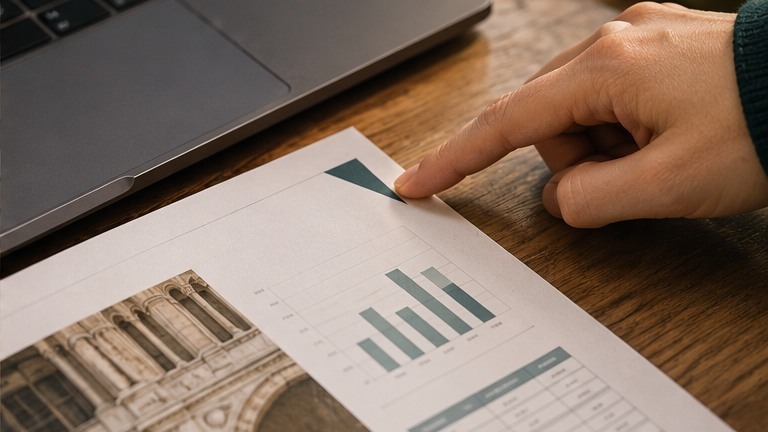
Open a PDF with a cover, contents page or preface. Its printed page 1 may appear as page 5 in the viewer because the viewer counts the pages before it. An answer that says only “page 5” becomes ambiguous when the two numbers differ.
Ask the reader to label both numbers where available. A reference such as “Annual report, viewer page 18, printed page 14” gives a reviewer two ways to find the source. If the PDF has no printed page labels, ask for the viewer page and use that convention consistently.
How to Test an AI PDF Reader With Page Citations
Set up a small test with answers you already know
Choose a searchable PDF and a second document that reflects the harder material you handle, such as a scan, a two-column research article or a report with dense tables. Before uploading either, write down five answers and their exact source pages. Include code-like identifiers, decimals or dates if those details matter to your work.
Use the same files and questions for each AI PDF reader with page citations you try. Keep the version of each PDF the same so page references stay comparable. Pick at least one question whose answer comes from more than one page. That shows whether the tool cites each source or attaches a single page to a mixed answer.
- Ask for a fact with a clear source, such as a filing date.
- Ask for a figure in a table with neighboring rows or columns.
- Ask about a rule with an exception in a footnote or appendix.
- Ask a question that requires evidence from two separate pages.
- Ask for information that the PDF never provides.
Use one prompt across tools
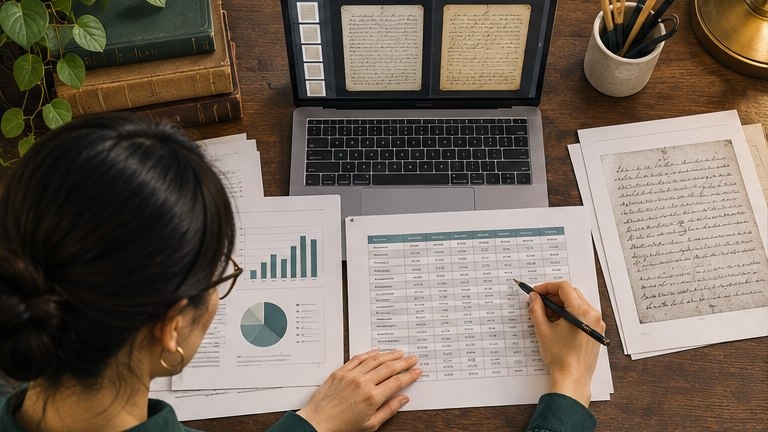
Use only the uploaded PDF. Answer in one or two sentences. For each claim, give the file name, PDF viewer page and a short supporting quote or table reference. Include the printed page label if it differs. If the document does not provide the answer, say so and identify any passage that might be confused with it.
Open every citation and check the quote, claim and locator. An AI PDF reader with page citations can land on the right page while still choosing the wrong table column. Give each answer one point for the correct claim, one for the correct source page and one for evidence that supports the full wording. Score the missing-answer question separately by checking whether the tool says the answer is unavailable.
Comparison Checklist for PDF Citation Features
Use this table to compare an AI PDF reader with page citations against the documents you read most often. Treat accuracy and traceability as separate checks so you can see where a tool costs you review time.
| Feature | What to test | What a useful result looks like |
| Page navigation | Open citations from two different claims | Each opens the correct file and page |
| Page numbering | Test a file with a cover and preface | Viewer and printed page labels are clear |
| Claim-level evidence | Ask for a conclusion with two sources | Each part has a matching reference |
| OCR and table handling | Test a scan or a dense table | Digits, units and row labels match the source |
| Missing information | Ask about a detail absent from the PDF | The answer acknowledges the gap |
| Export and sharing | Copy the answer into a draft | File names and page references stay readable |
How to Catch a Citation That Looks Right
Imagine a supplier handbook says on page 12 that orders placed before noon normally ship the same business day. A note on page 13 excludes made-to-order items. When you ask whether an item in that category ships today, the reader replies yes and links to page 12. The link works and the quoted sentence is real. The conclusion still leaves out the condition that answers your question.
This is where an AI PDF reader with page citations needs to show its work. Ask it to find exceptions to the rule and cite those separately. Then read the note in context. In this example, a sound answer would say the handbook excludes made-to-order items from same-day dispatch and would cite both the rule and the exception.
Apply the same check to research results and business numbers. Read the heading, source notes and units around a figure. If the figure describes a subgroup or a different reporting period, keep that information in your final wording.
Choosing a Reader for Your Workflow
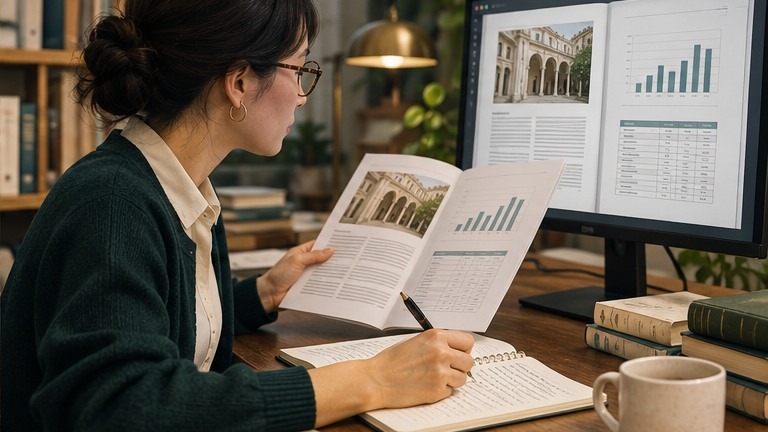
Pick an AI PDF reader with page citations based on the files you open every week. For research papers, test whether it follows footnotes, understands the reading order of two-column pages and identifies limitations. For business reports, focus on tables, amendments and the ability to distinguish different files with similar names.
If you work with scans, try a page with small print and a faint number. Optical character recognition, or OCR, can turn an image of text into searchable text. Compare the result with the scan itself, especially when a single misread digit would change your answer. If you work with sensitive files, check your organization’s upload rules and the provider’s retention settings before testing with real documents.
Frequently Asked Questions
Can a page citation still be wrong?
Yes. An AI PDF reader with page citations may link to a passage that contains a familiar term but discusses a different rule, time period or group. Read the full passage and its nearby notes before relying on the answer.
What if the reader gives a page number without a quote?
Open the page and look for the evidence yourself. If the page is dense, ask for a short quote, table title or section heading. That makes the citation easier to check and pass along.
Will citations work on scanned PDFs?
That depends on how the tool handles scans. Try one known fact from a clear page and one from a difficult page. If the reader struggles, try a searchable copy created with OCR and compare the extracted text with the original scan.
How should I cite an answer in my own article?
Cite the original document and the relevant page. Verify any quote, number or interpretation yourself. Save a stable link or record the edition when the document has several versions.
Can I use a citation from a multi-PDF chat?
Yes, if the answer names the correct file and page for each claim. Check the publication date or version when a collection includes an original report and a revised copy.
Final Takeaway
The right AI PDF reader with page citations makes checking an answer quick enough to do every time. Start with a few known answers, test the hardest files you use and keep the source details when you copy information out of the chat. If you can find the evidence and explain how it supports the claim, the citation is doing its job.




One Comment